

Software Solutions
Hot Folder Print
A DNP Photo Printer Tool
Work faster from shoot to print
Hot Folder Print is a free software compatible with all DNP printers.
It provides a fast and simple print workflow. Whether you send images wirelessly from your camera or drag & drop them after editing, this software lets you get your prints instantly, in the format and settings you choose.
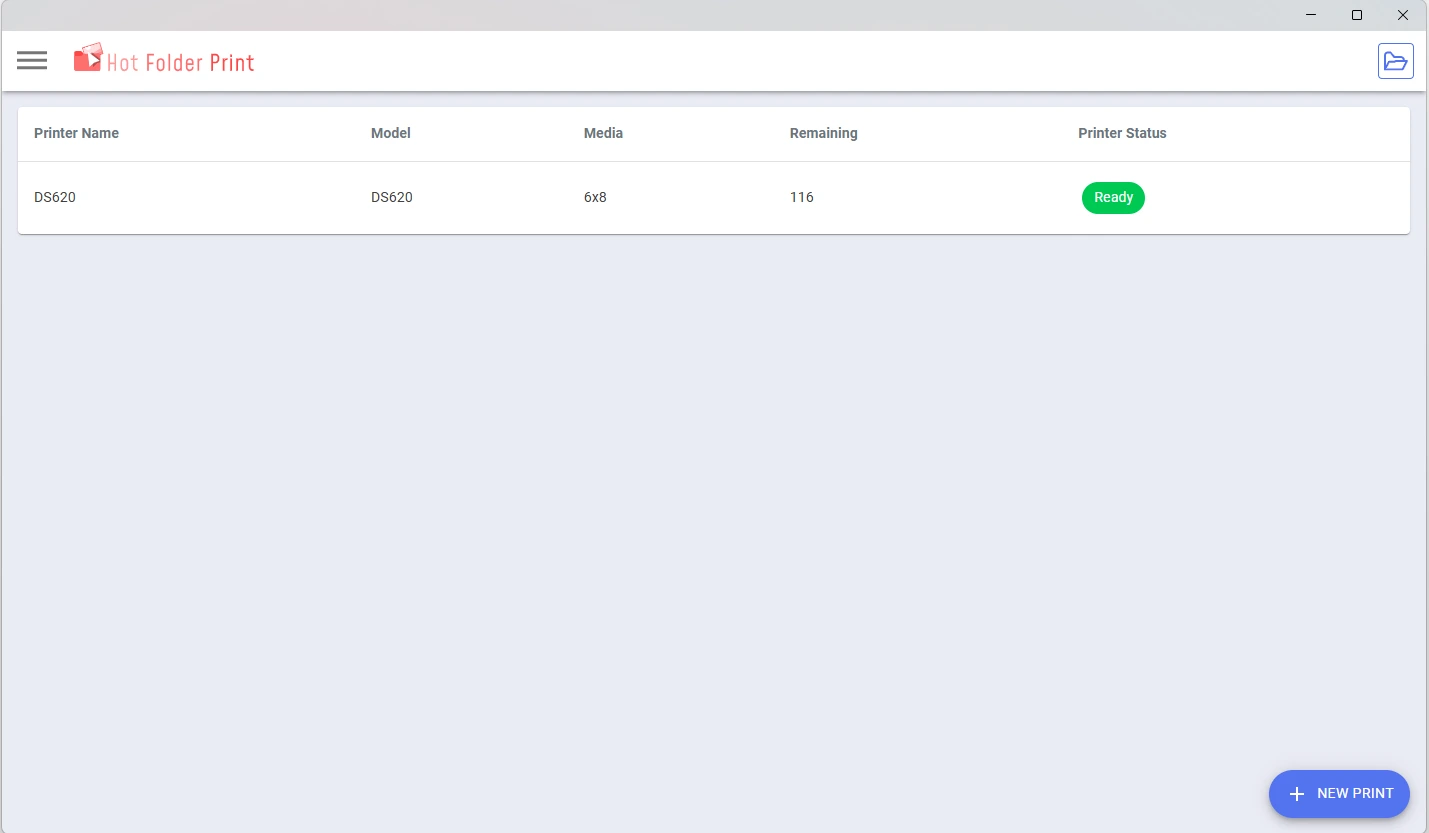
This software supports up to 4 DNP printers at the same time, helping you print faster by sharing the workload across devices. It supports one‑to‑many printing. So with multiple printers loaded with the same media, automatically print simoultaniously to increase speed.
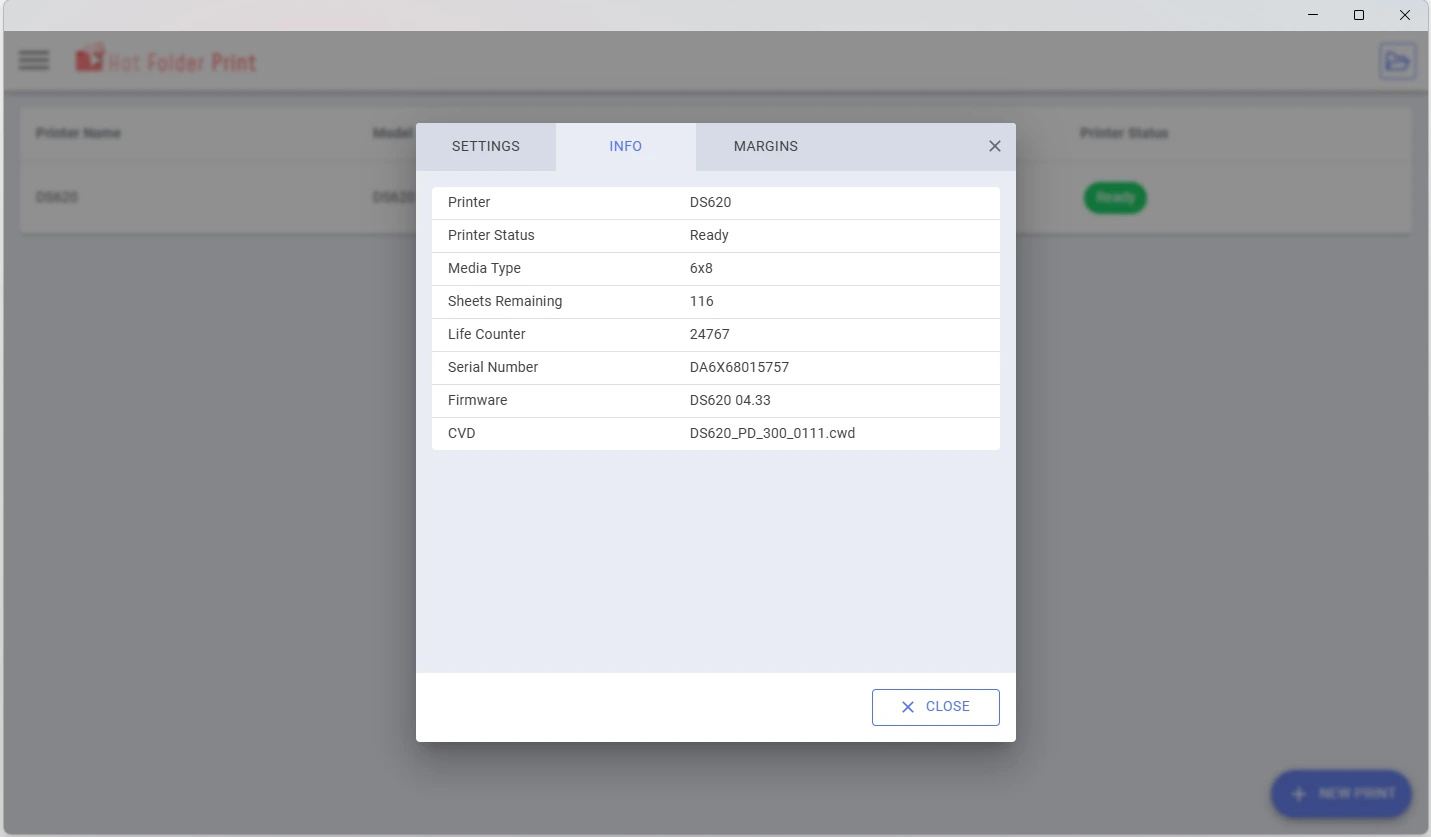
You can easily monitor printer status and remaining media in real time, so you avoid interruptions and keep your workflow running smoothly.
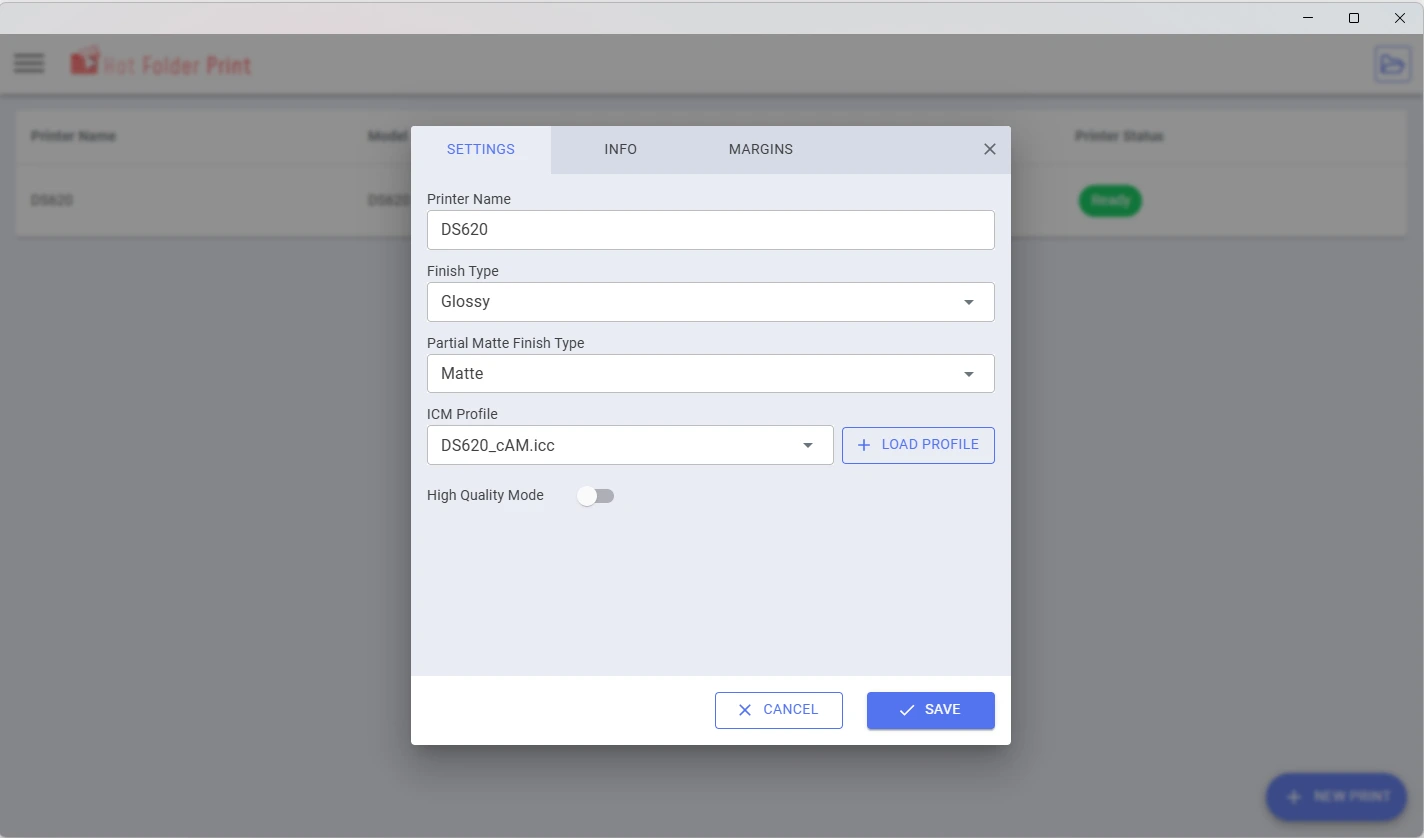
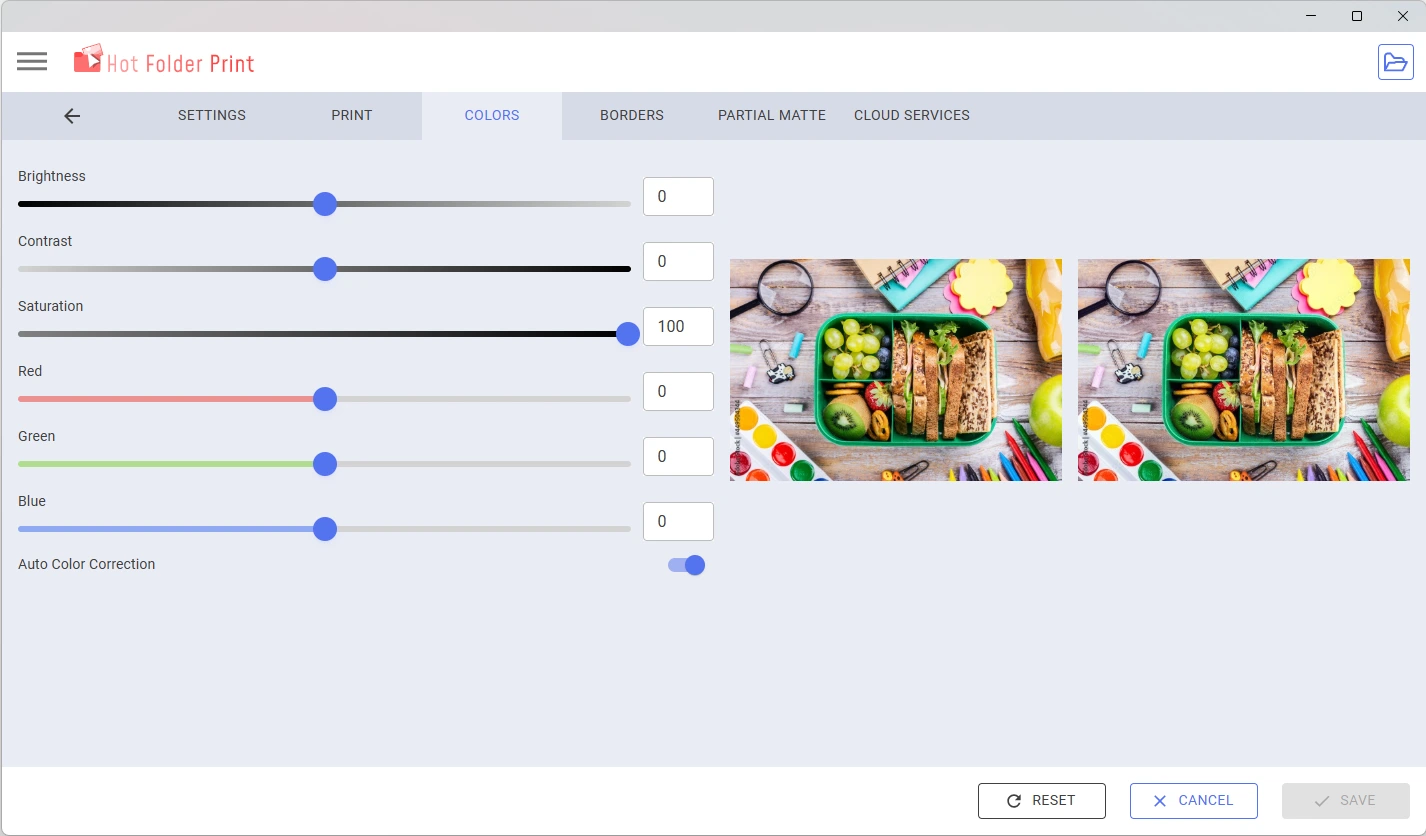
The software gives you full control over your prints, with colour adjustments, print settings and multiple finish options such as glossy, matte, fine matte or luster.
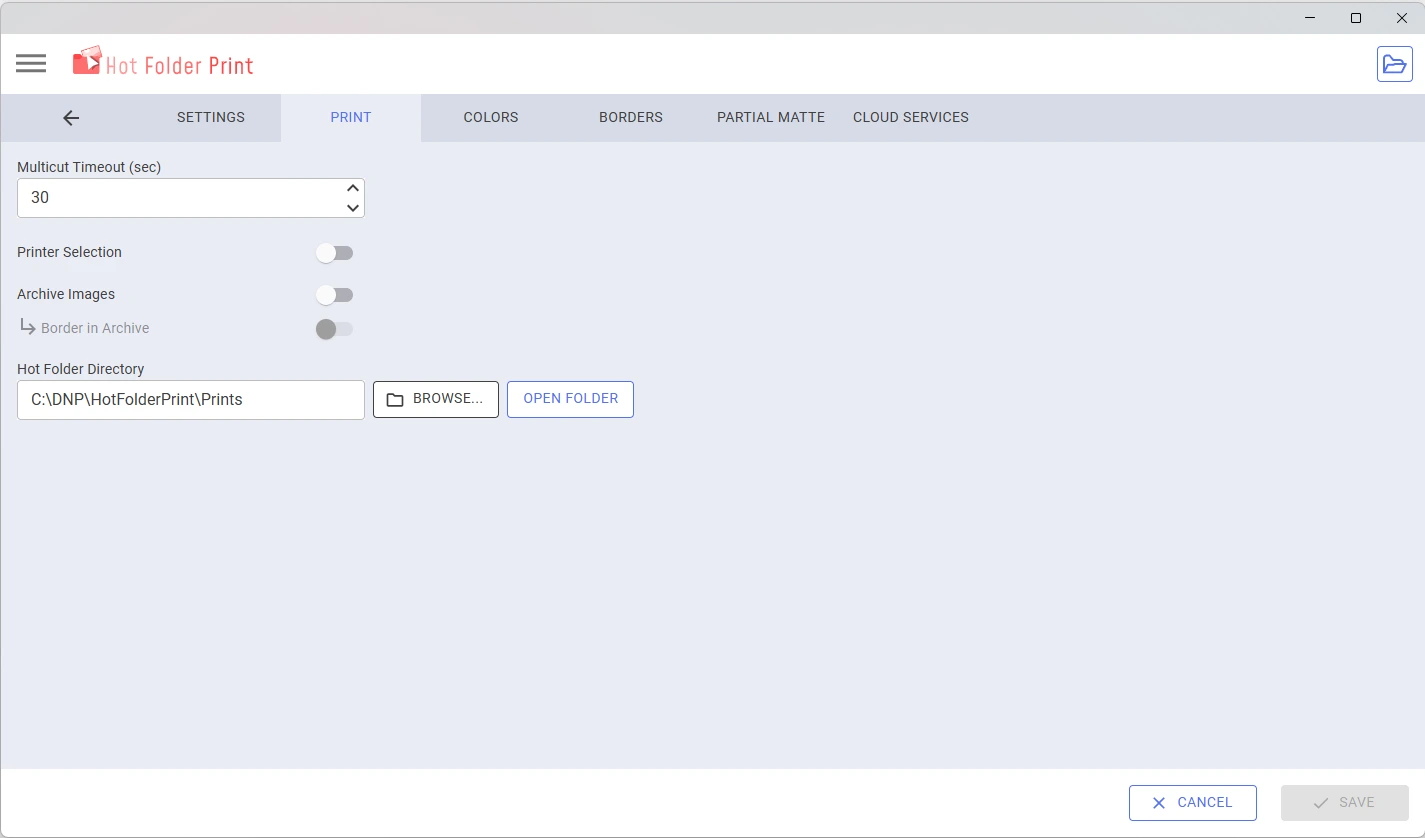
All images can be archived automatically, making it easy to find and reprint them whenever needed.
Advanced features like partial matte printing also allow you to create more creative and professional results.
Easy to use
With a user-friendly interface and automatic hot folder system, printing is quick and requires very little manual action.
Fast workflow
Hot Folder Print helps you print faster, whether you are on location or in the studio. Simply send images wirelessly or drag and drop them, and start printing instantly.. The software works in one-to-many printing mode for maximum speed.
Customisable
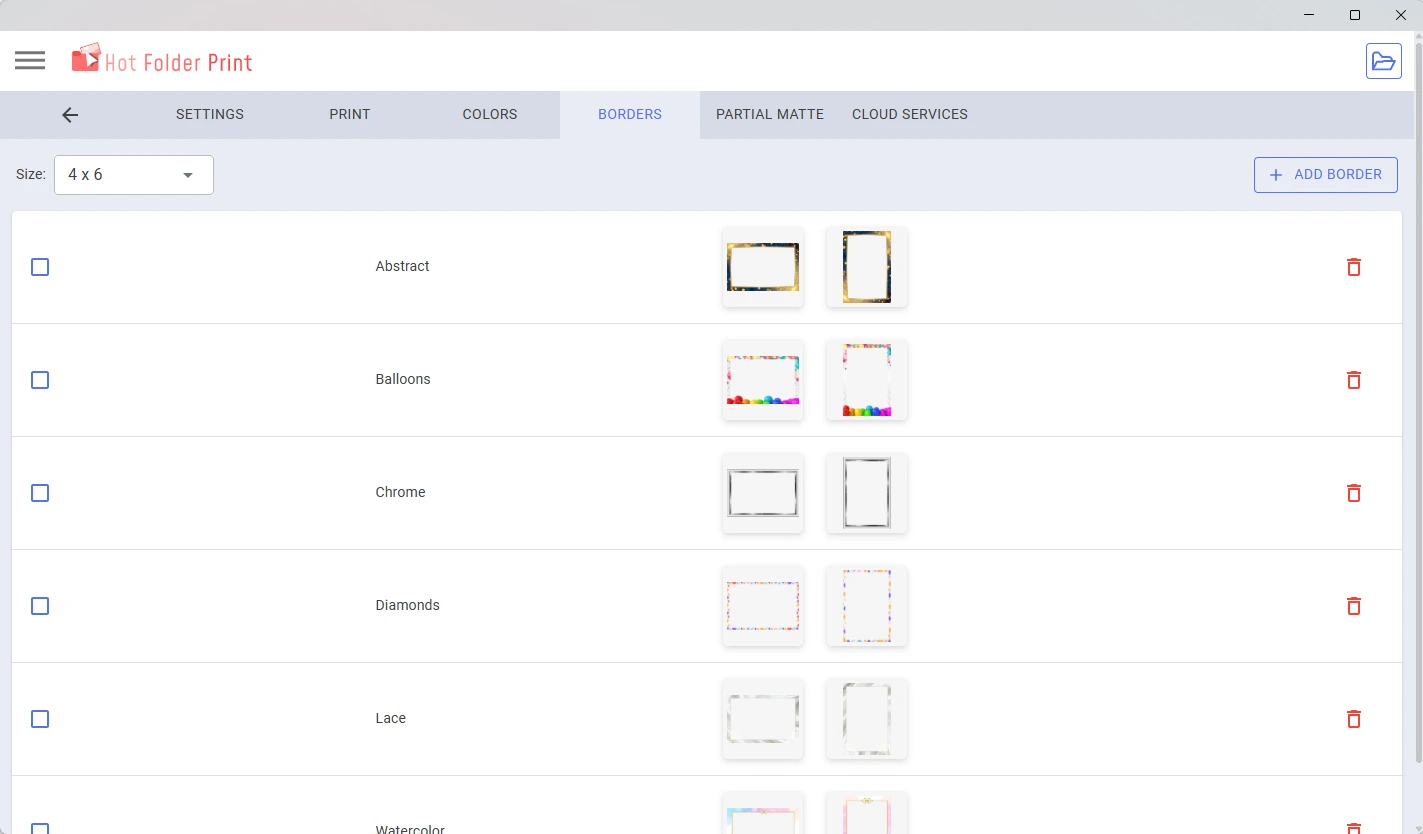
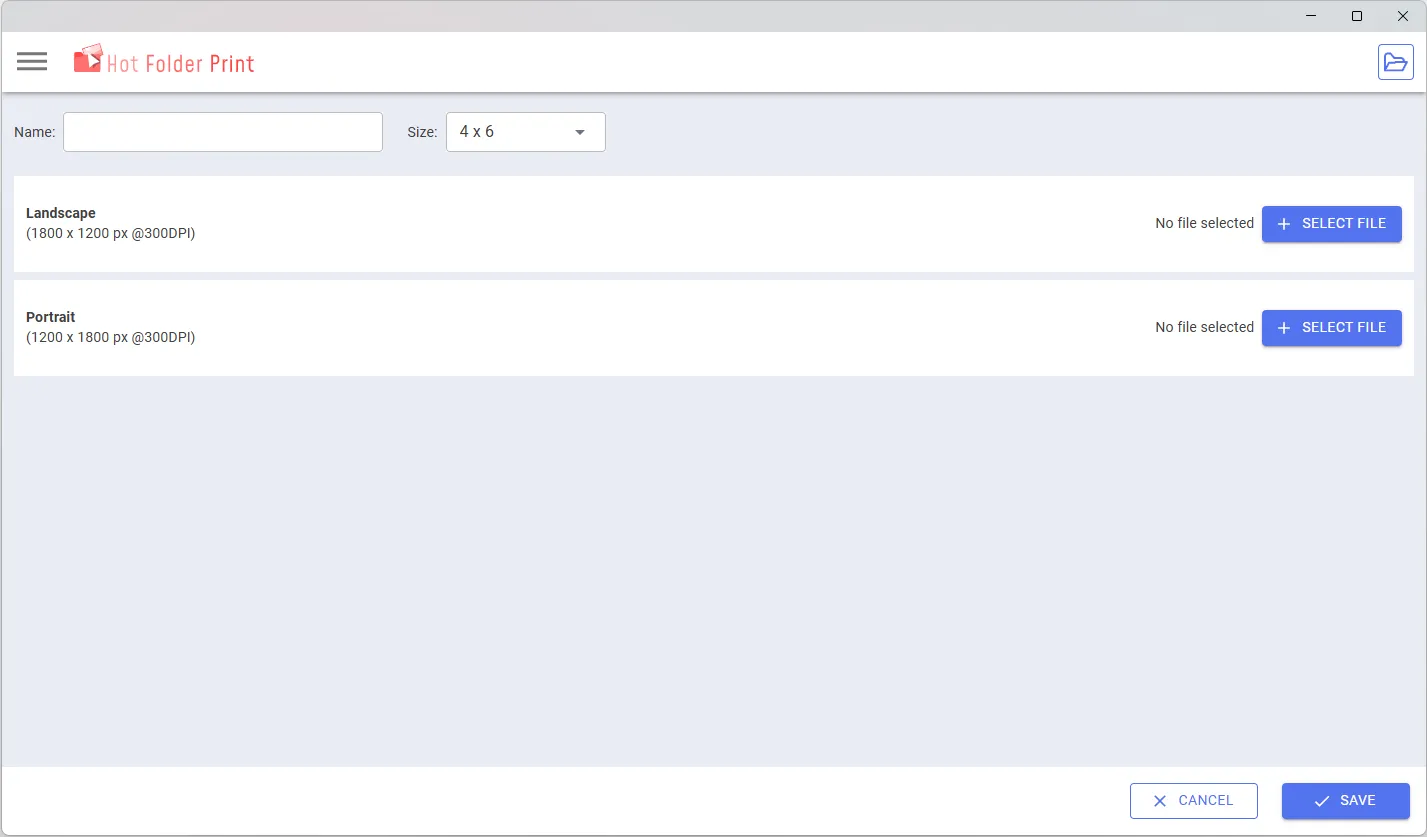
Create and use your own borders, adjust colours and apply creative effects such as partial matte printing to personalise your prints.
Free Software
Download the software free of charge from DNP’s website.
| SPECIFICATIONS | HOT FOLDER PRINT |
|---|---|
| Desktop |
Mac OS v10.12 or later
500 MB HDD space for install
200 MB HDD space for image archive
1024 x 768 video resolution or greater
|
|
Windows 10, 8.1, 8, 7 (32 or 64 bit)
.NET Version 4.5
2GB RAM or greater
1024×768 video resolution or greater
200 MB of free disk space plus additional space for photo archival, depending on usage
|
|
| Printers(sold separately) | DS620 QW410 DS820 DS80DX DS-RX1 |
| Print Sizes (inches) | Depends on the printer and the media used |
Go to downloads for all drivers, tools, manuals, brochures and more.